Start from a polished, responsive template instead of a blank canvas. Tell us what you're building and we'll show you the best match.
Browse all templatesSelect a category to see curated templates for your use case.
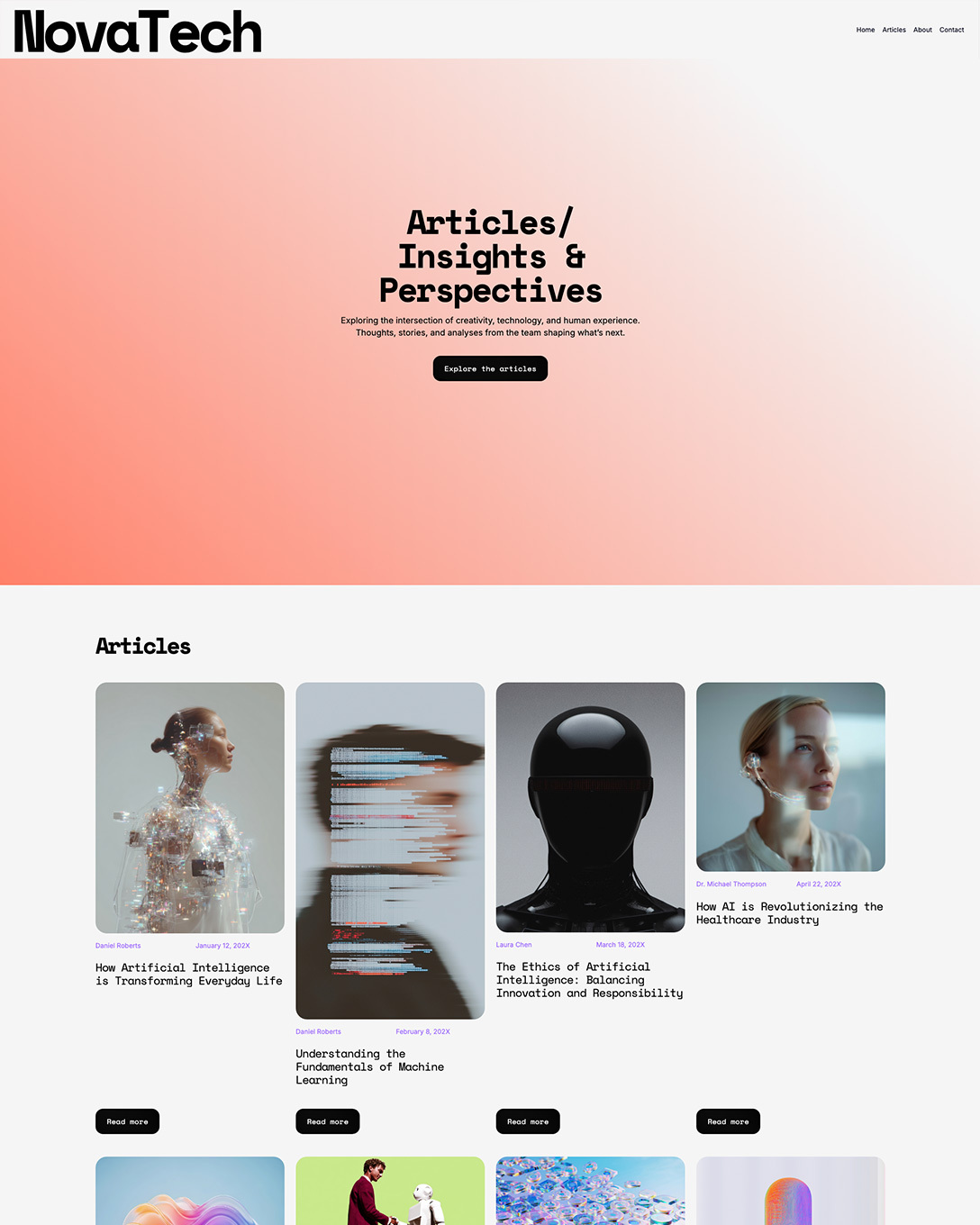
NovaTech
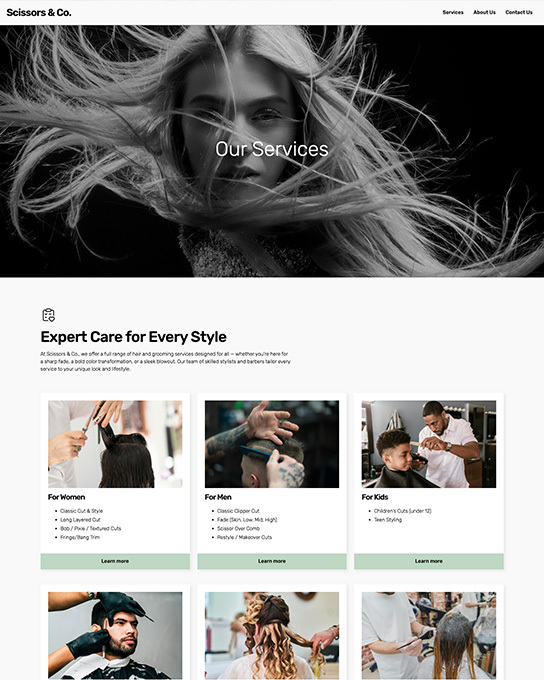
Scissors
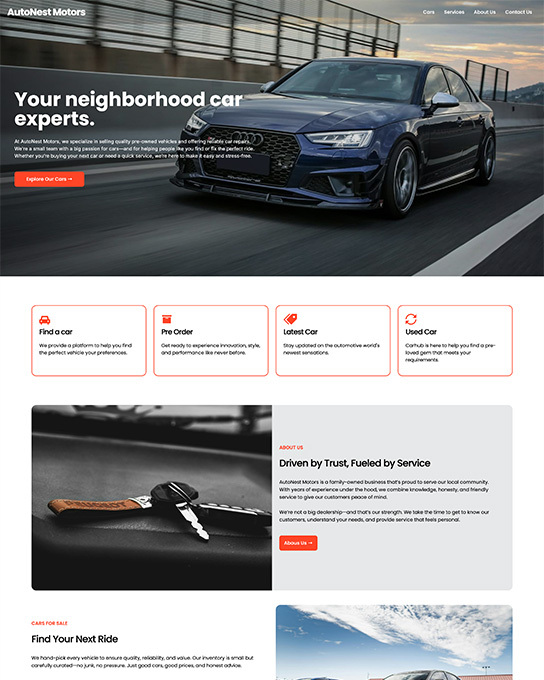
AutoNest
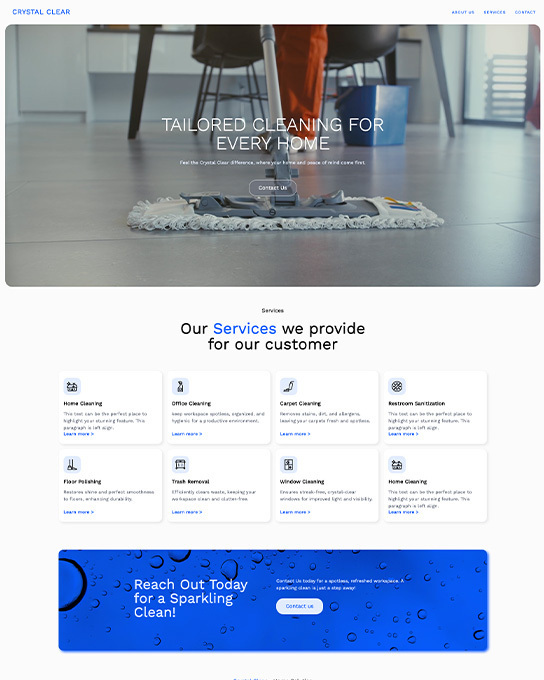
Crystal Clear
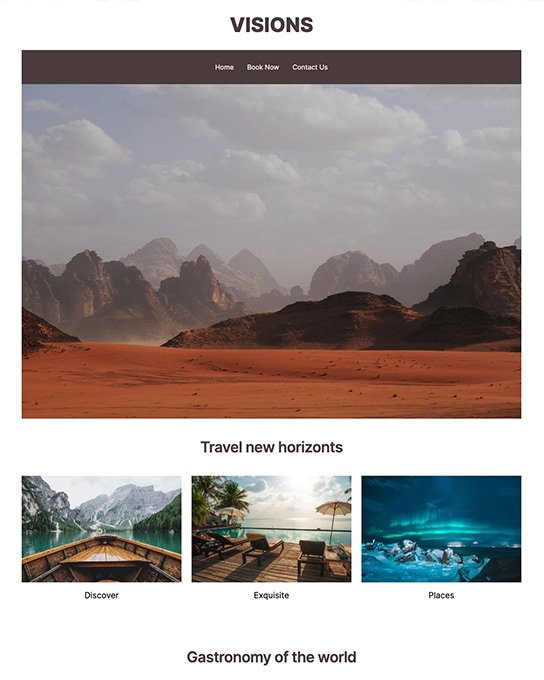
Visions
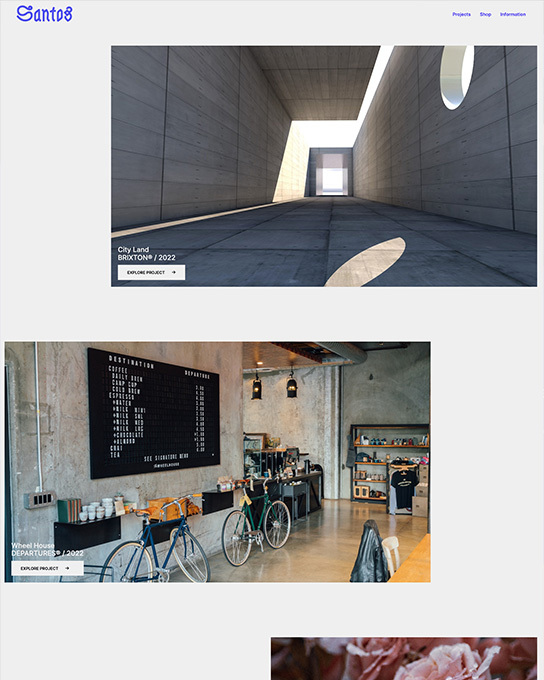
Santos

Firefile Startup
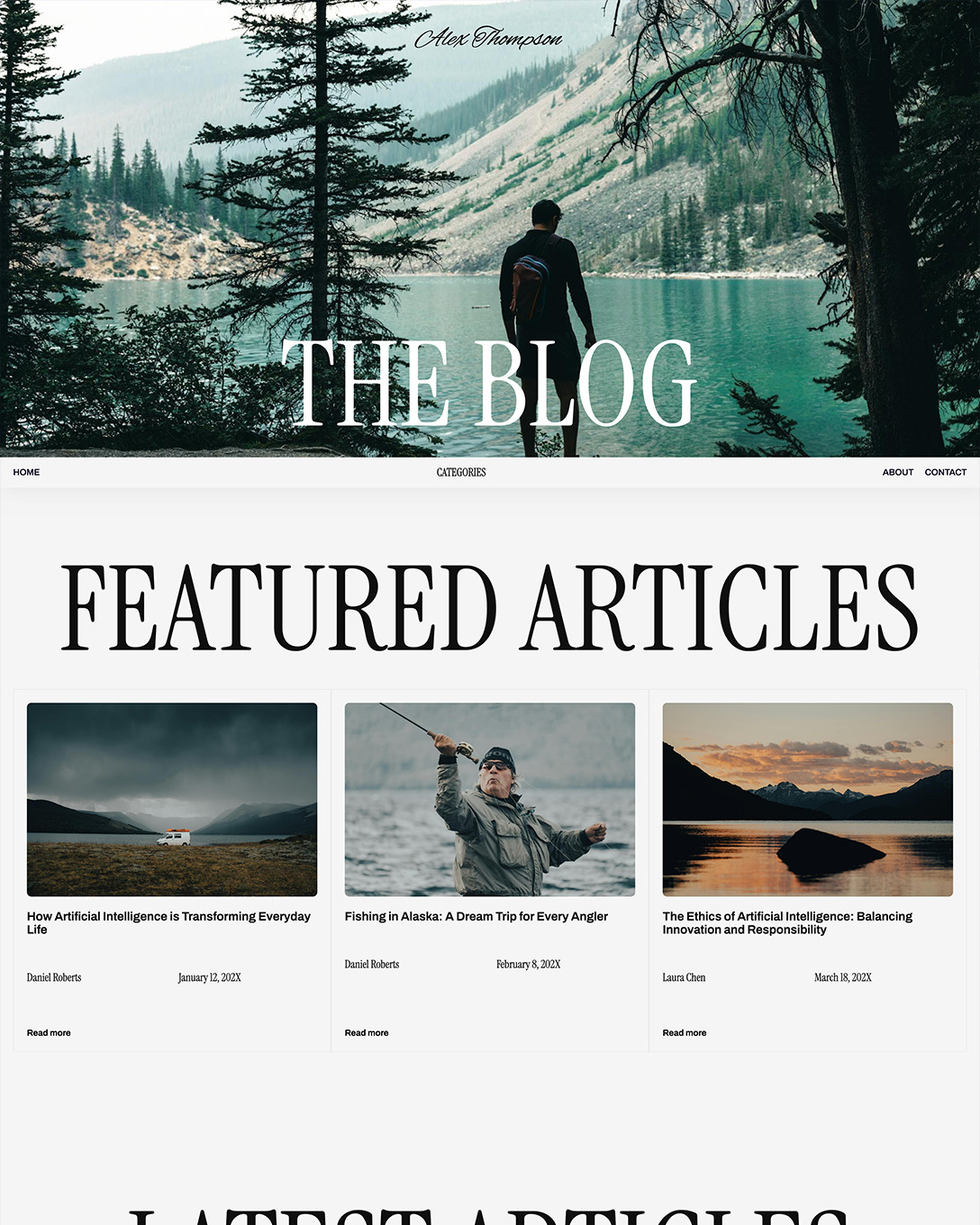
Personal Blog
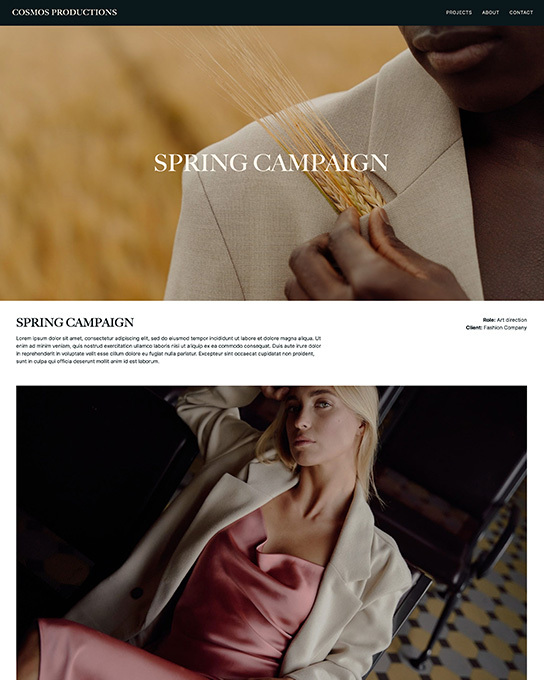
Cosmos
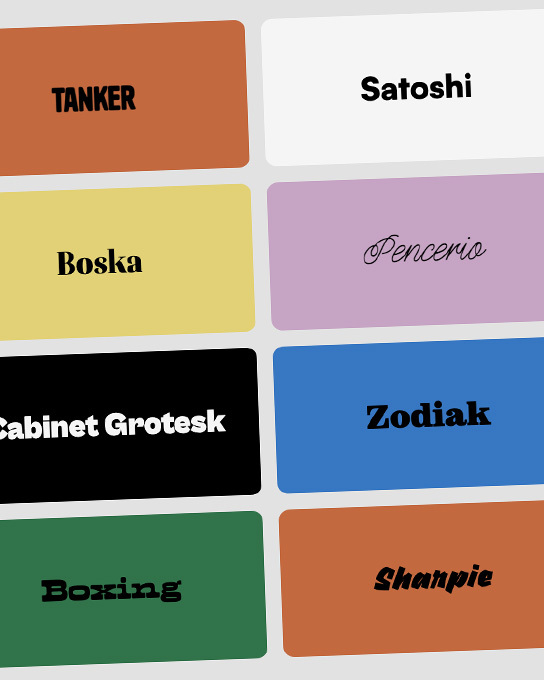
Fabulous Fonts
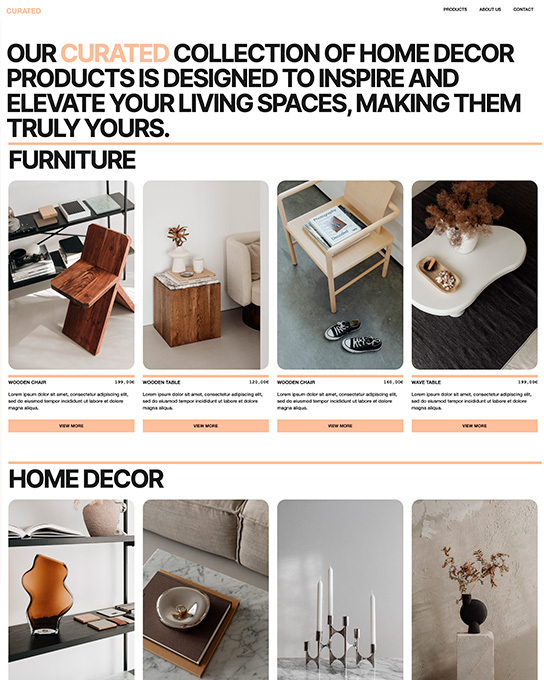
Curated
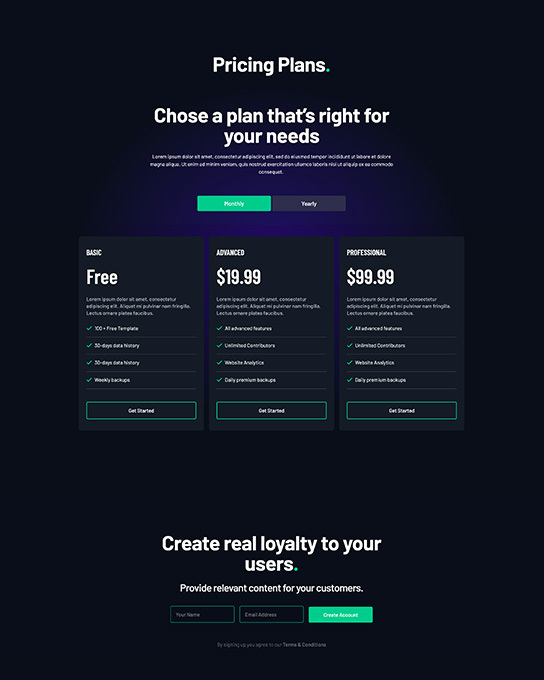
Cubiko
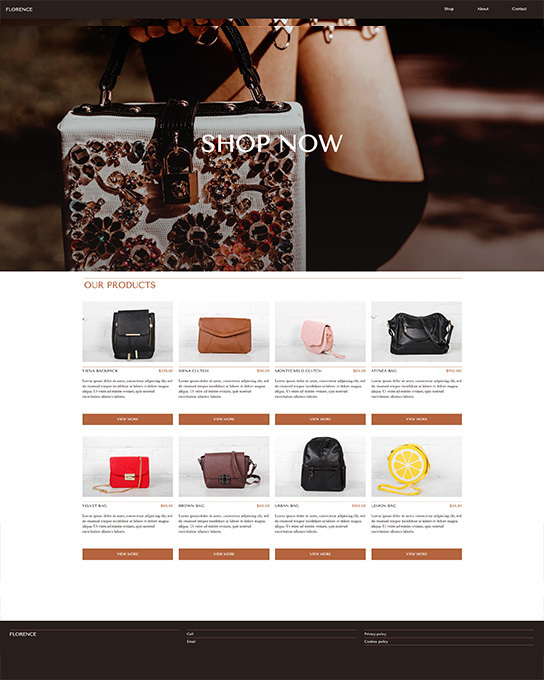
Florence
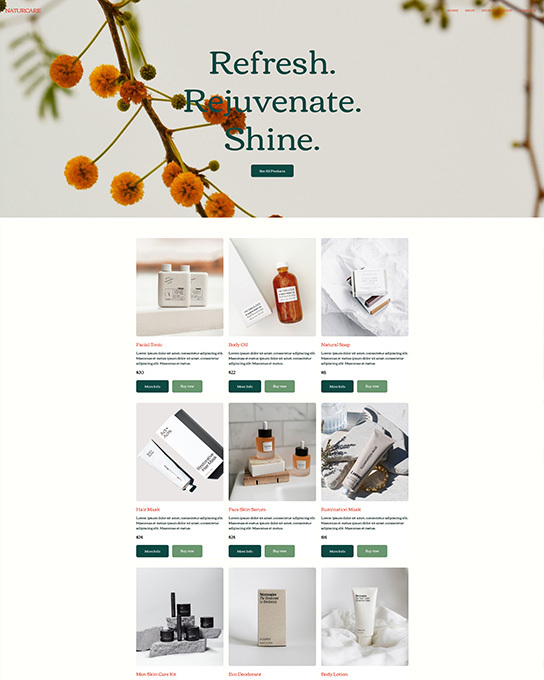
NaturCare
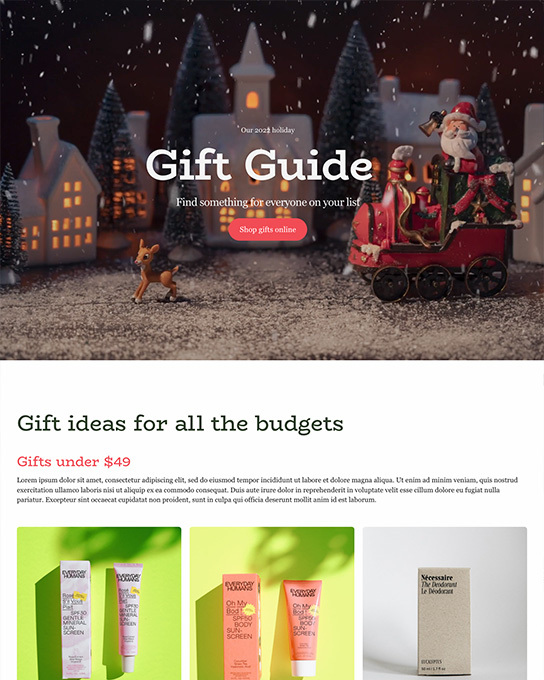
Gift Guide
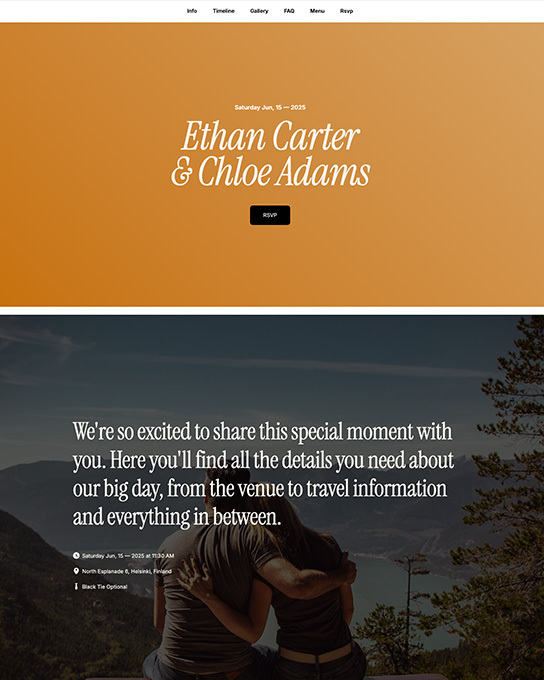
Forever
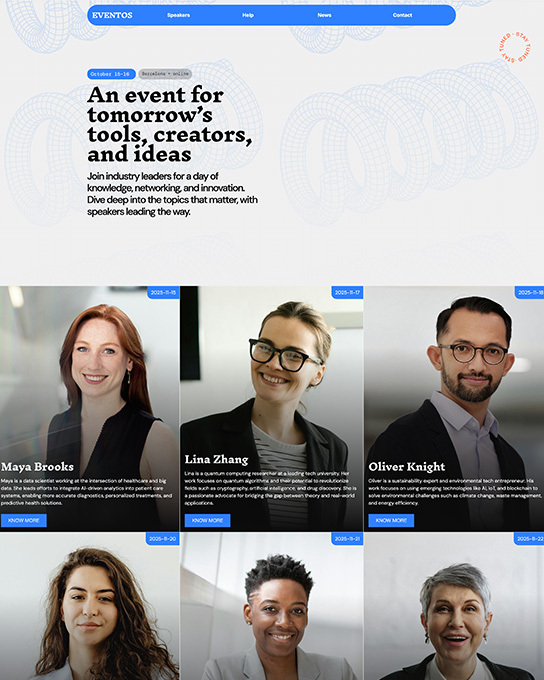
Eventos
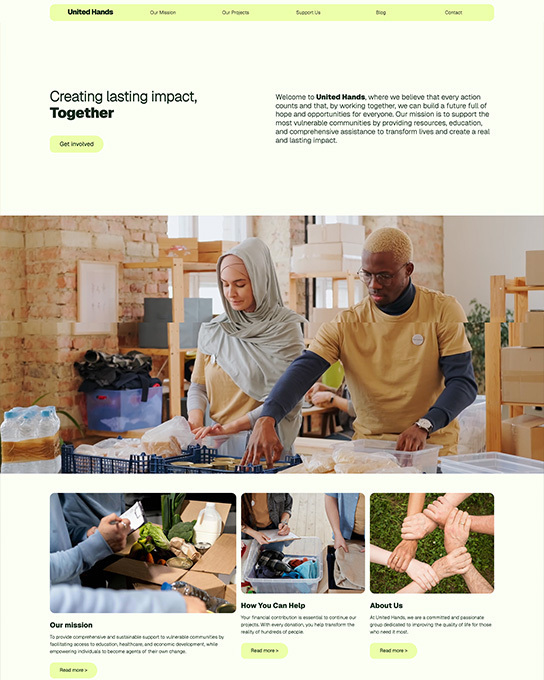
United Hands
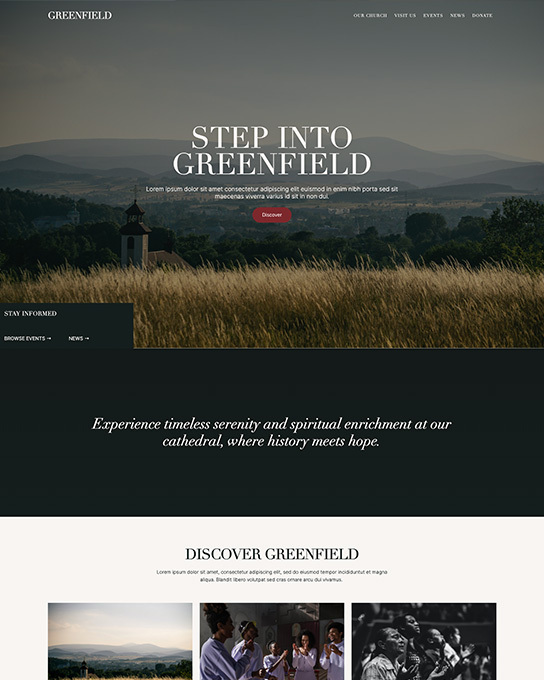
Greenfield Church
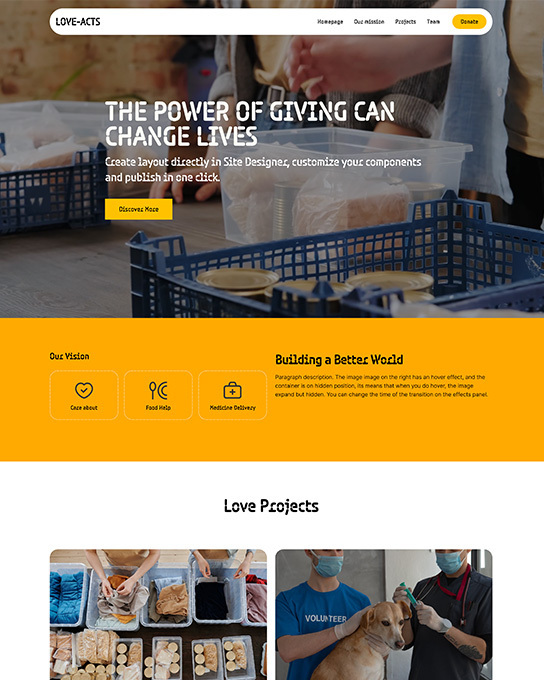
Love Acts
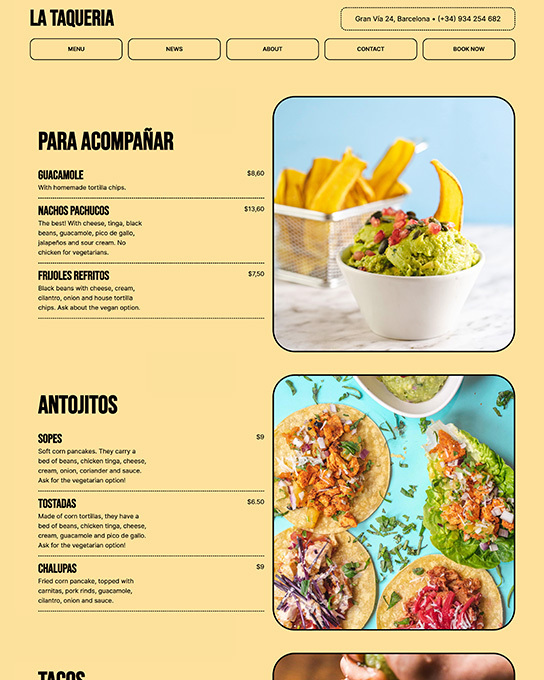
Taqueria
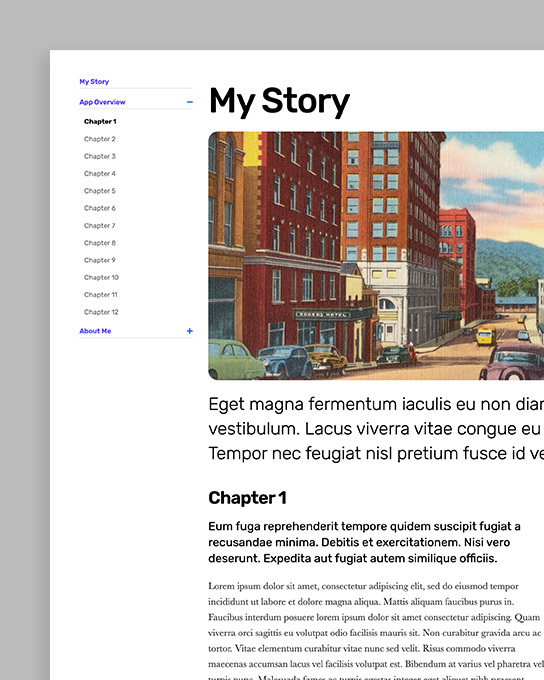
Storybook
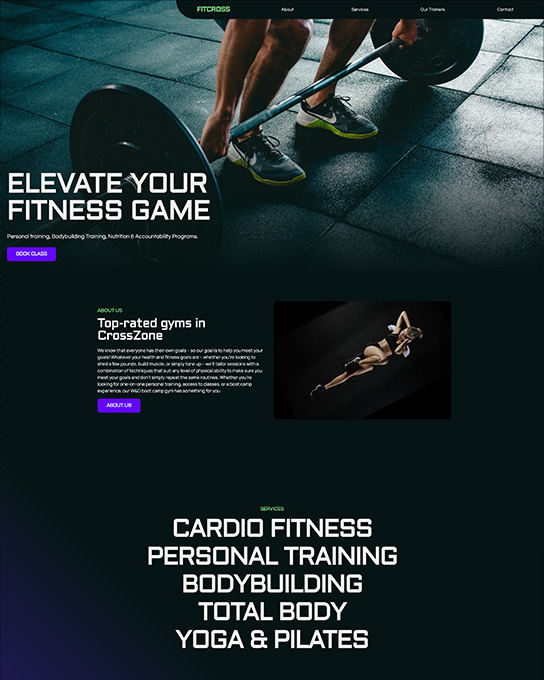
Fitcross
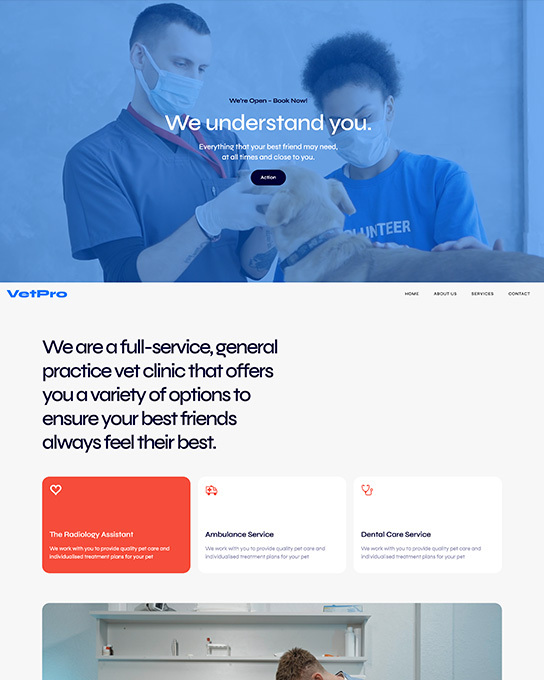
VetPro
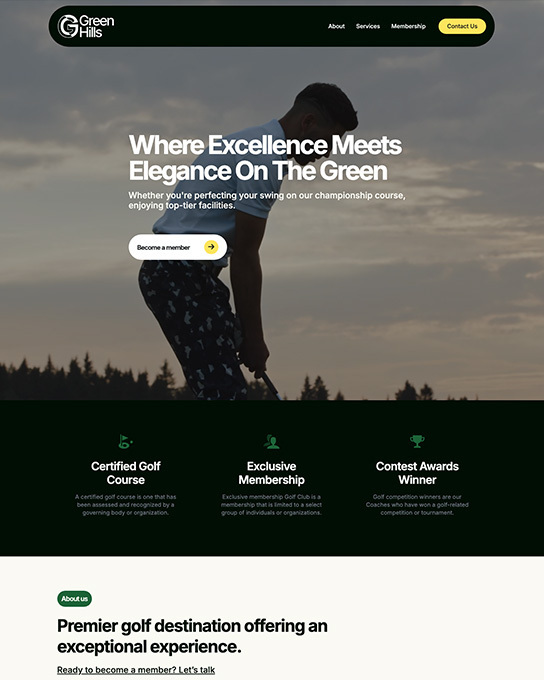
Green Hills
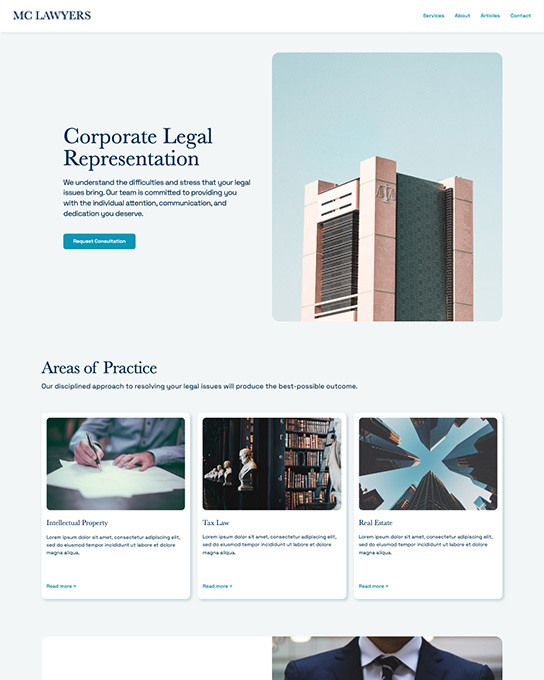
MC Lawyers
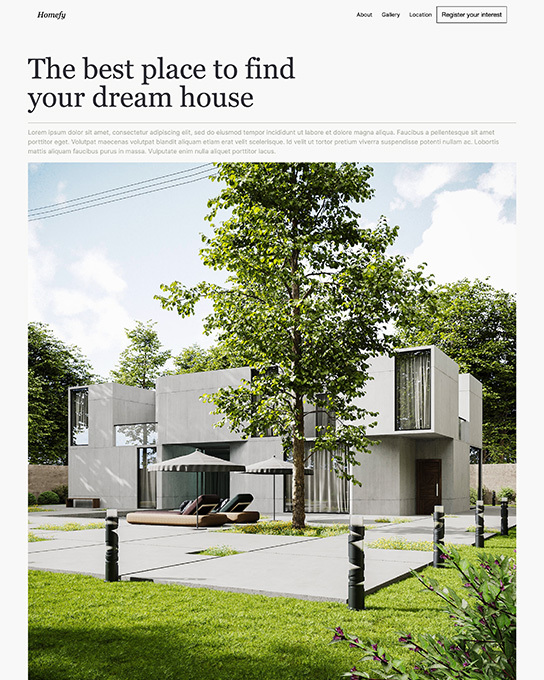
Homefy
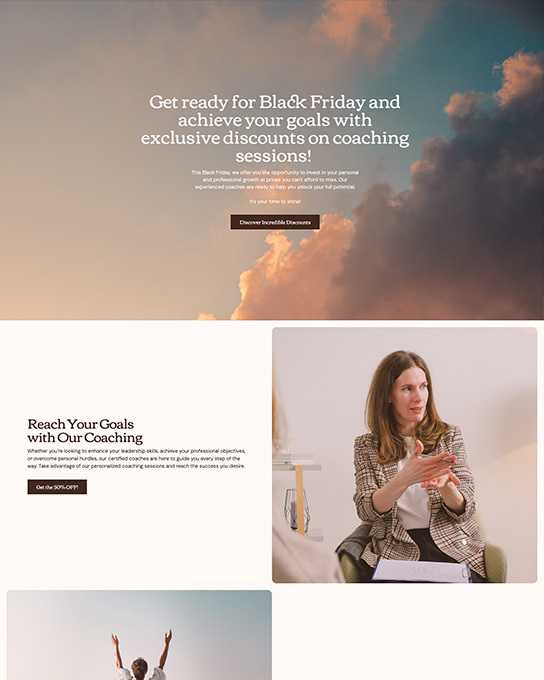
Coach
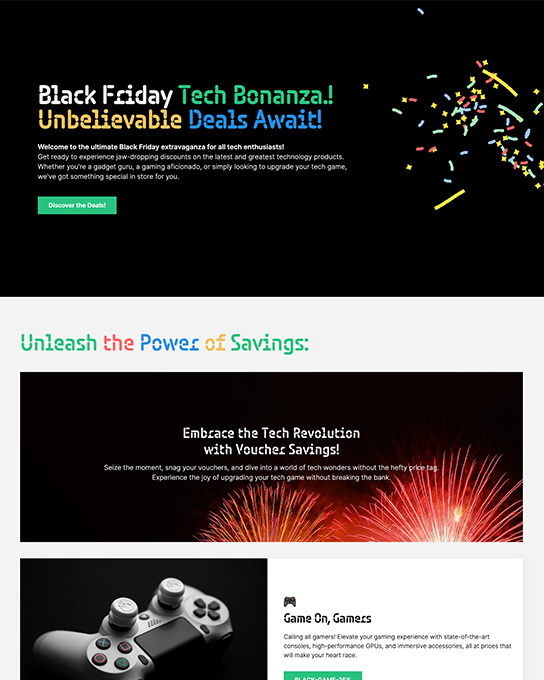
Sales Bonanza
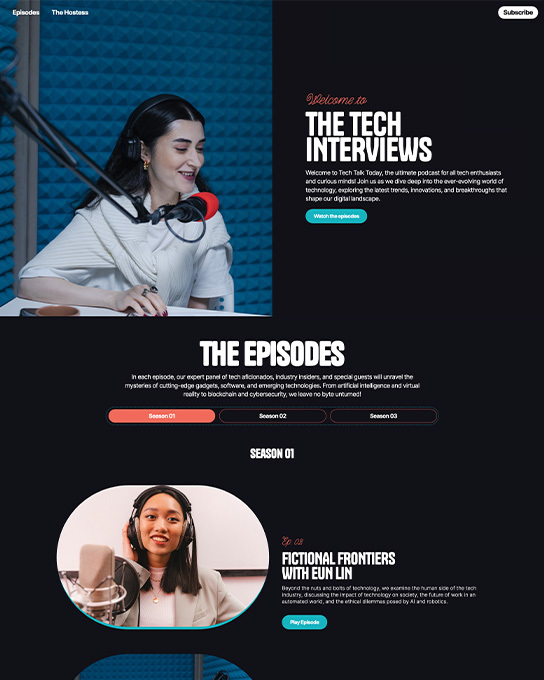
Tech Talk
No templates match this filter.
We're showing 30 curated templates. The full library has 89+ designs across every industry and style.
From download to published site in four steps.
Click "Preview template" then download the .rsd project file from themes.coffeecup.com.
Launch Site Designer, choose "Open Project", and select the downloaded .rsd file.
Swap colors, fonts, images, and text to match your brand. Everything is editable.
Hit Publish to deploy to S-Drive, FTP, or export as static HTML.
